Work as a Team in Channels
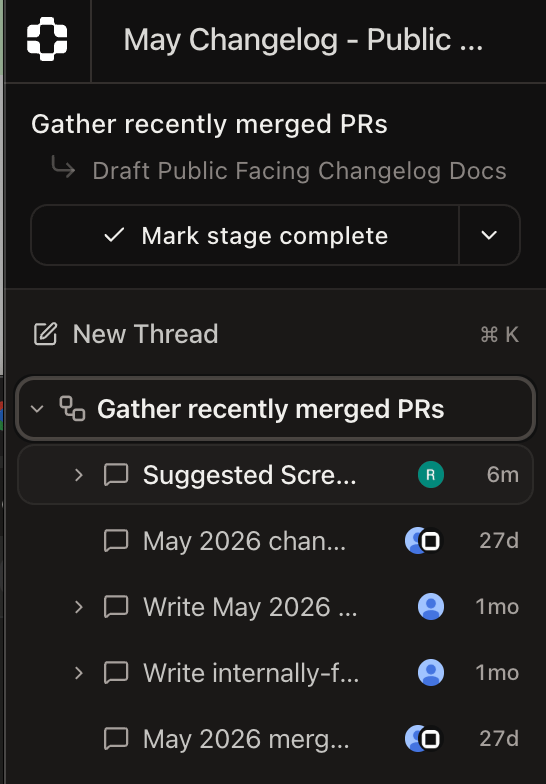
PlayerZero now opens into a channel, a shared workspace built around a single objective. Inside a channel, multiple threads work in parallel, each with its own agent conversation, context, and sandbox, and a coordinator keeps them aligned toward the shared goal. Every thread in the channel is grouped by workflow, and a new thread inherits context from all other threads in the channel so that objectives, branches, and referenced files carry over between threads. Teams move from a solo agent view to a collaborative workspace where several investigations run at once without losing the thread. Everyone working in a channel shares the same objective and context, so a handoff from one thread to another keeps the history it depends on.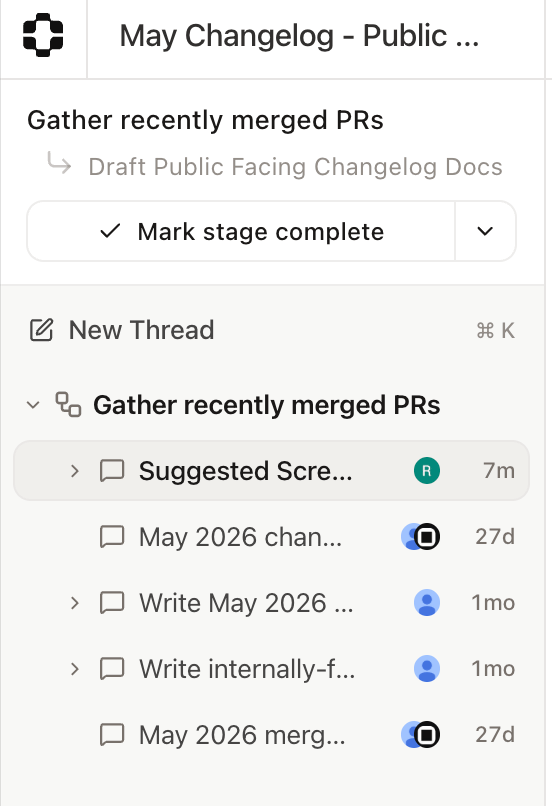
Add Your Attachments to a Thread
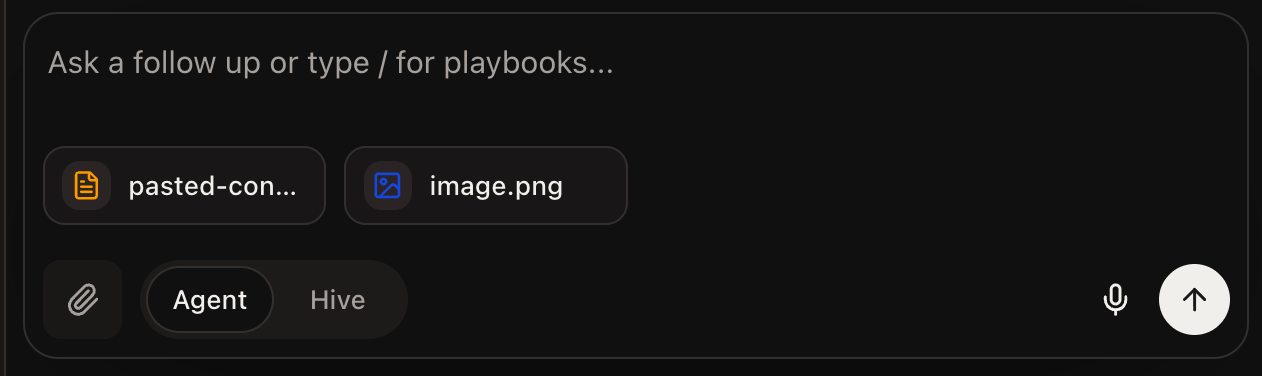
You can now attach images, screenshots, PDFs, and more directly into the prompt window. Each file uploads to the thread and becomes part of the channel’s shared sandbox that the agent can read and work from. PlayerZero supports a broad range of types, including text, data and configuration files, source code, PDF, Office, and OpenDocument formats. You can attach up to 10 files per message, and a large block of pasted text converts into a file automatically. Bring your own design specs, logs, spreadsheets, and code into a thread instead of pasting fragments into the conversation. The agent works from the actual documents your team already maintains.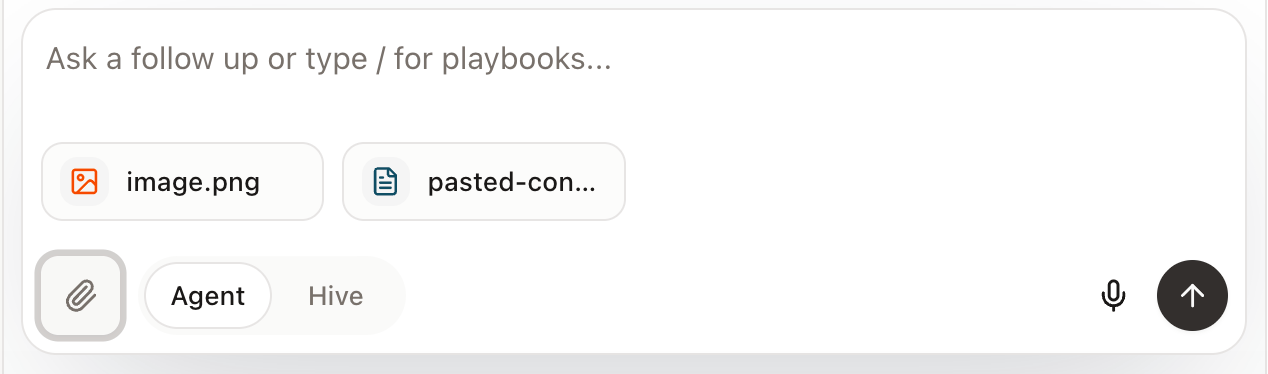
Coordinate Across Teams with Multiworkflow
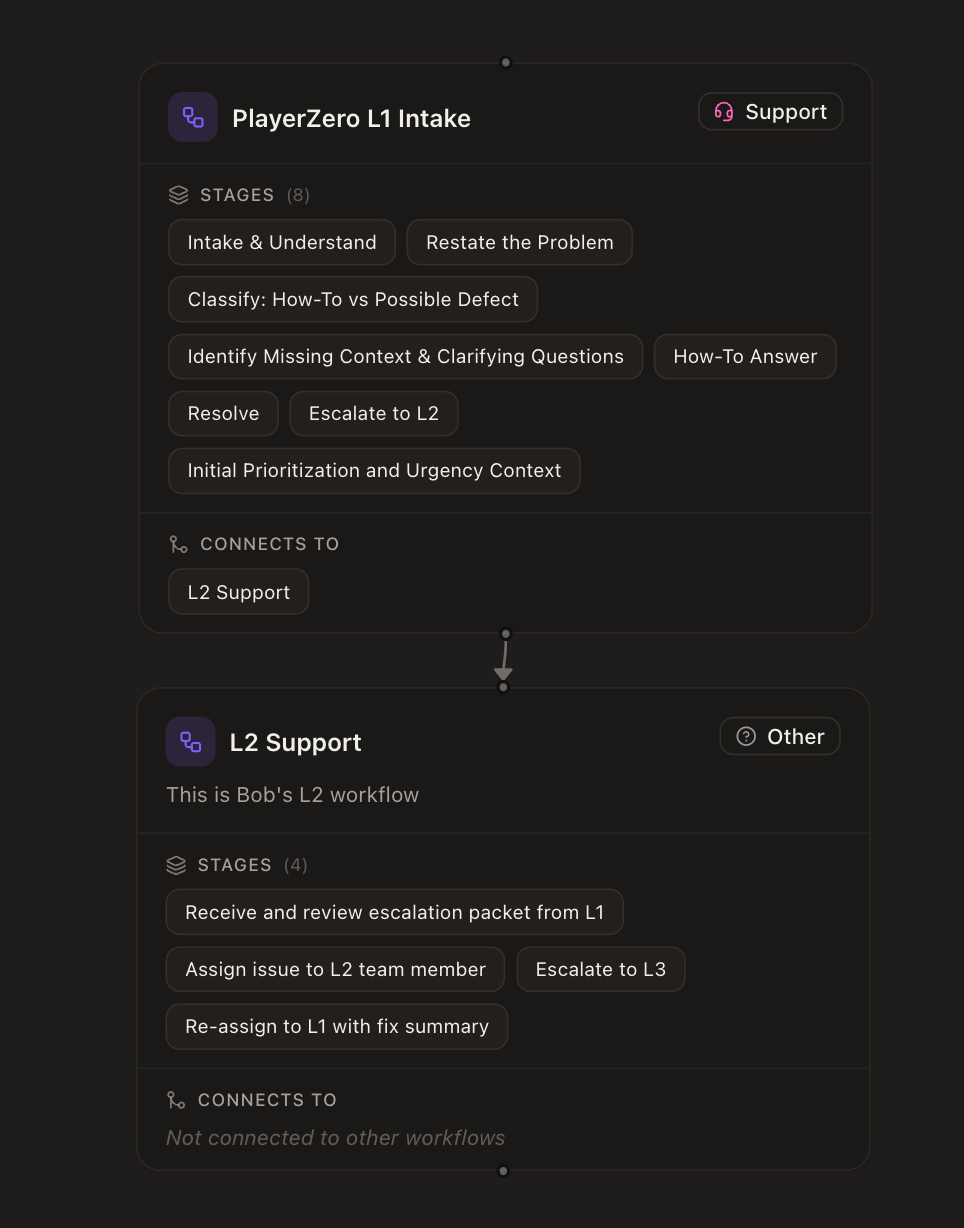
PlayerZero now supports multiple workflows in a single project, managed from Project Settings under Workflows. Each workflow has a versioned draft and publish lifecycle with full version history and rollback, and a visual editor lets you build and adjust stages on a graph canvas. You can fork a workflow, import and export workflows as JSON, and import workflows across projects. The inbox, monitors, and ticketing now resolve against the published workflow version. Teams run several processes in one project, from support triage to engineering scoping to QA, and coordinate across them in the same channel. A draft and publish lifecycle with rollback lets you change a process safely, and import and export let you reuse a proven workflow across projects.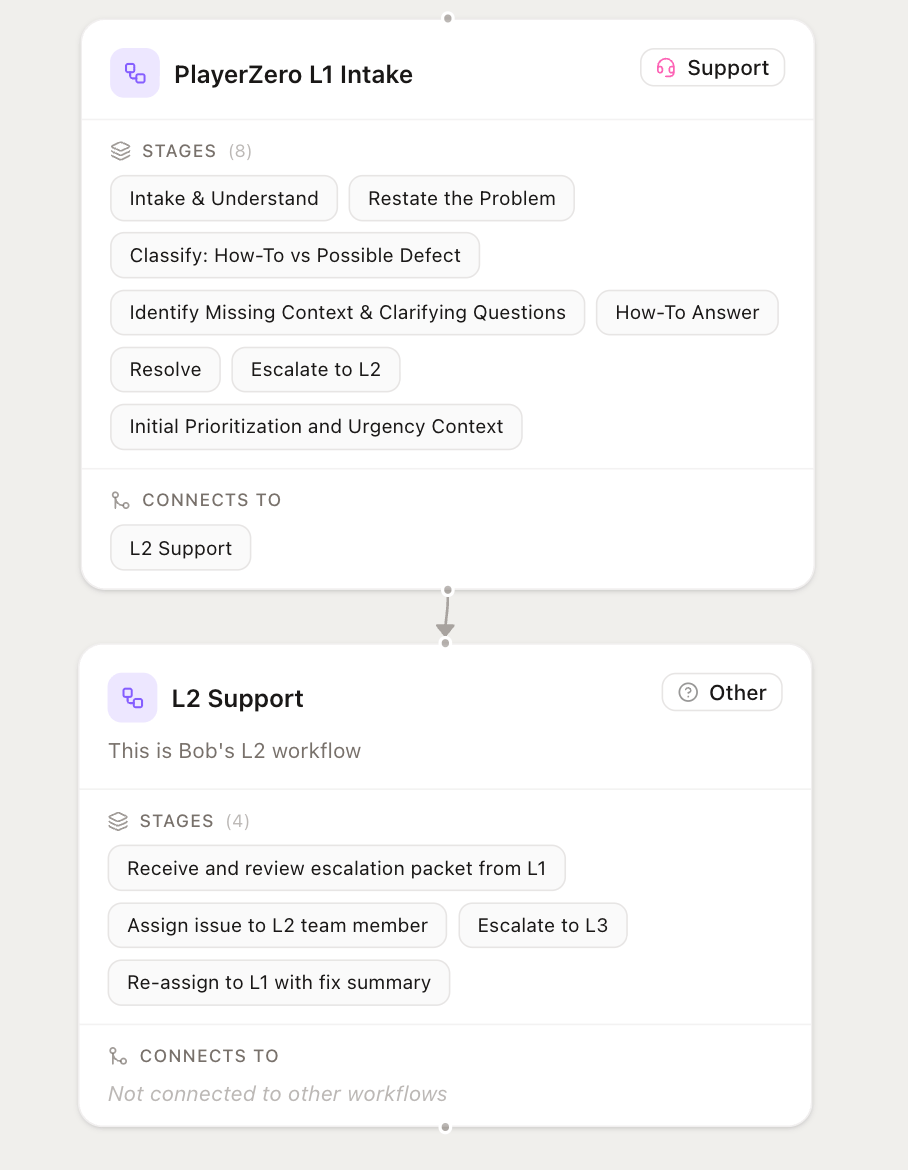
Start Faster with Built-in Templates
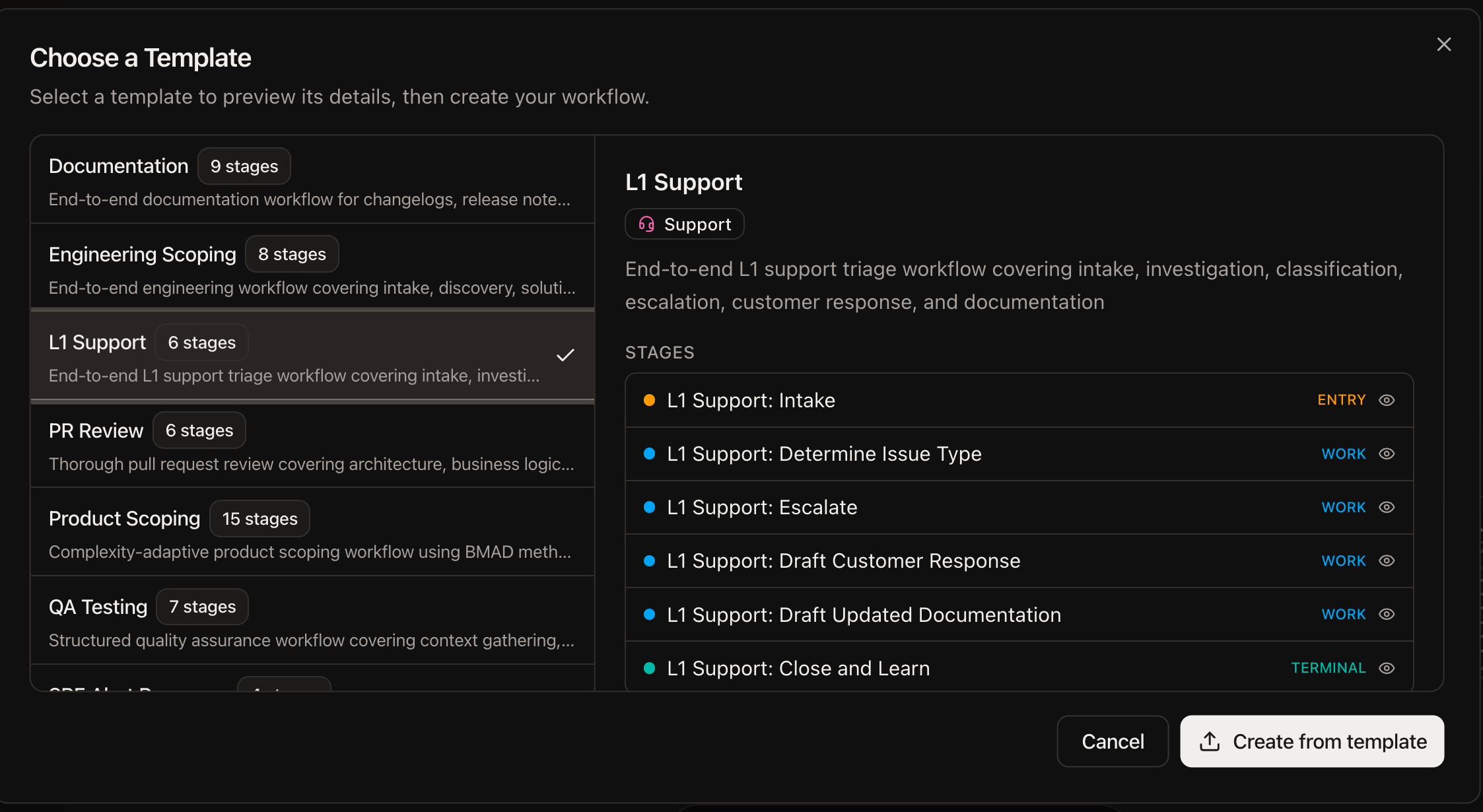
PlayerZero ships with built-in workflow templates you can use as starting points. Seven templates are available out of the box: Documentation, Engineering Scoping, L1 Support, PR Review, Product Scoping, QA Testing, and SRE Alert Response. Teams begin with a structured process instead of a blank canvas. Pick the template that matches the work, then adjust it to fit how your team operates.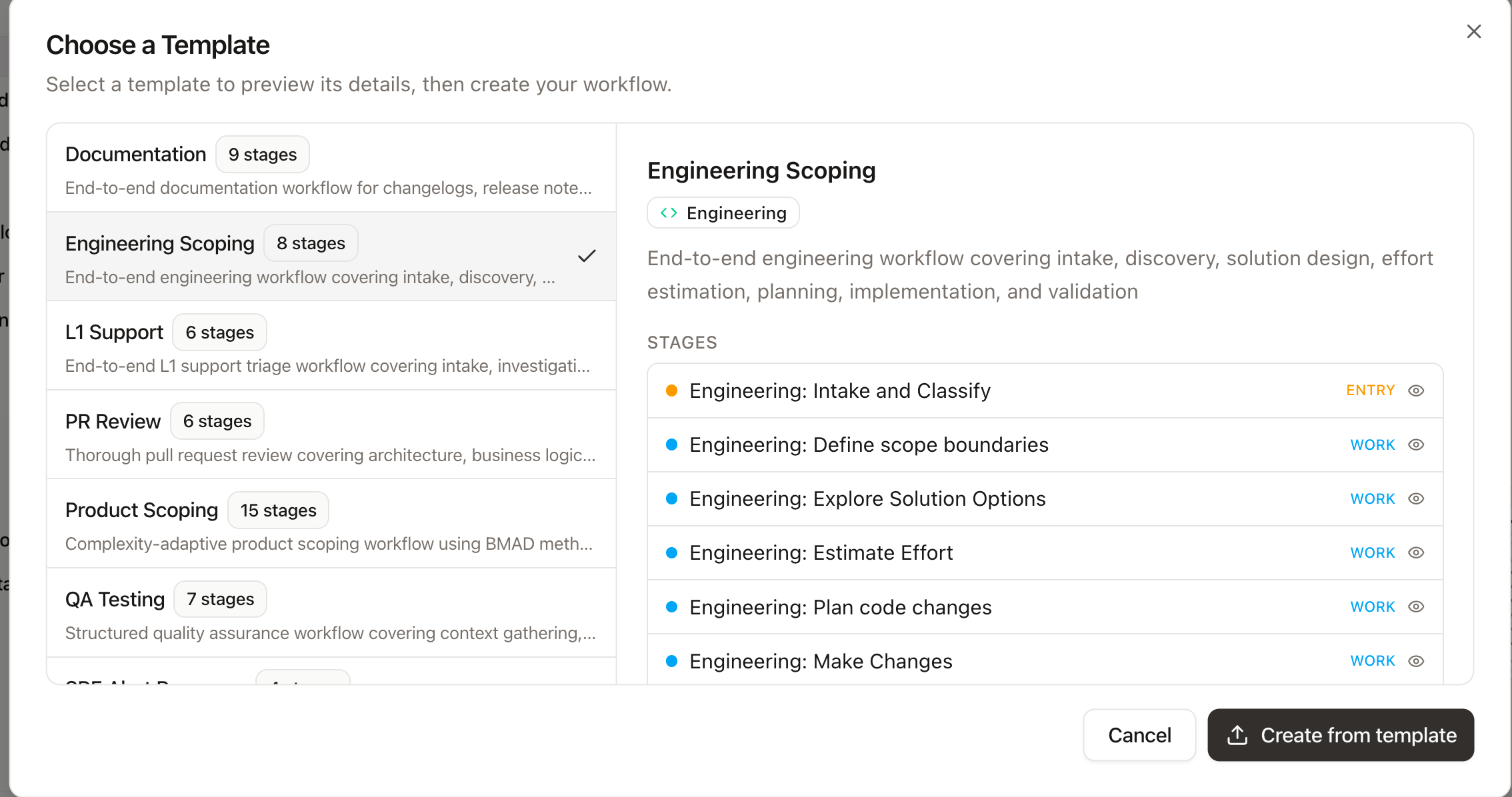
Connect Standard MCP Clients over HTTP
PlayerZero’s MCP endpoint now speaks the standard Streamable HTTP transport with server-sent events, so you can connect mainstream MCP clients such as Claude Code and Cursor directly. Connector tokens are passed in a standard Authorization header. Developers connect PlayerZero to the MCP client they already use without custom setup, using the transport and authentication those clients expect.Spin Humans In with Collaborations
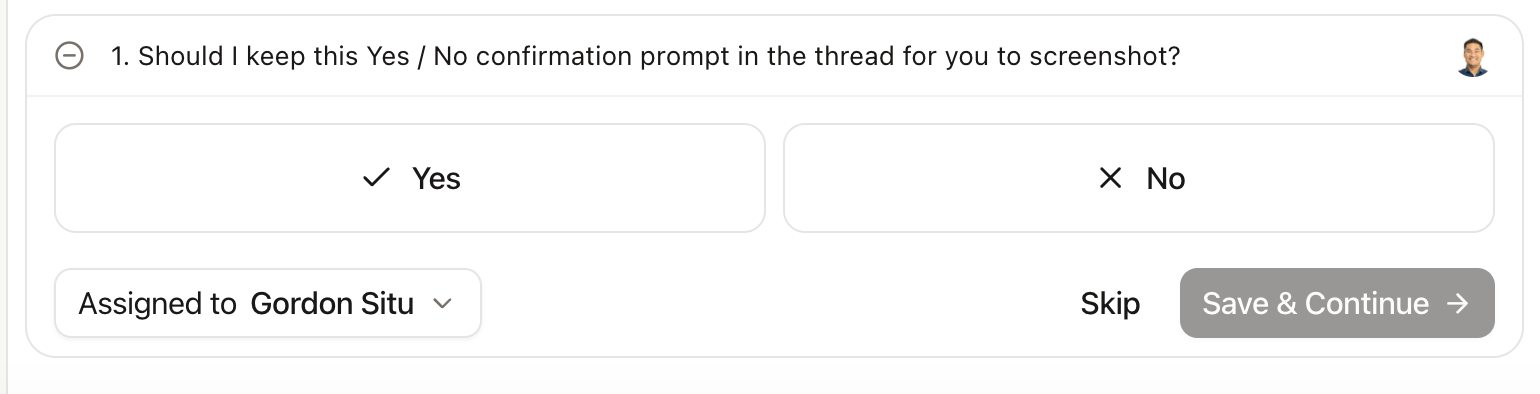
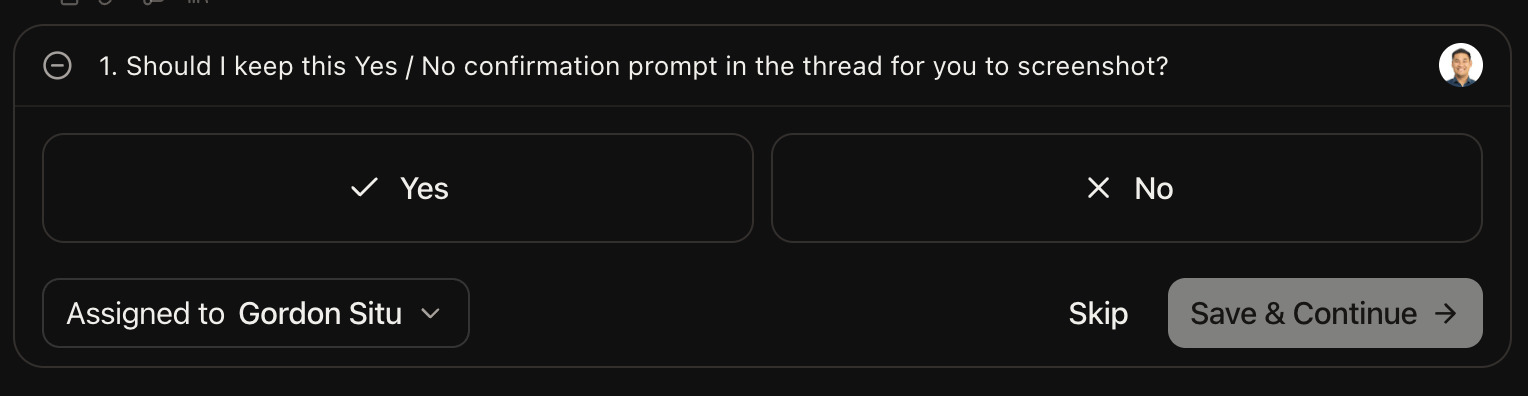
PlayerZero now pauses when it reaches a decision that requires more context, asks the right person a direct clarifying question, and resumes automatically once you answer. The task is held safely while it waits, and each question is directed to the person most likely to have the answer, starting with those closest to the work based on existing code and ticketing context. Users can always reassign a question to someone else if needed, at which point PlayerZero will remember their response and adaptively learn who answers what over time. Answering takes seconds: reply with a yes or no, pick from a list, or type your own answer, and reply again in the thread anytime to update it. You can even directly @mention a teammate to loop them in when it touches a product or engineering area outside your usual expertise. You get the judgment of a human in the loop without slowing the work down, along with a clear record of who answered what. Workflow authors decide where this belongs, turning direct questions on or off for each stage, and you can filter your threads to show only the questions waiting on you.